Henrik Carlsson's Blog

All things me.

Progress update on the IKEA TRÅDFRI to Home Assistant migration

posted this note on and tagged it with Home Assistant Smart Home

The smart home migration project is going along fairly smoothly. I spent most of Saturday on it (today’s Tuesday) and then I’ve kept fixing smaller things along the way.

The physical challenge of resetting and re-pairing the LED drivers ended up being less challenging then I expected. The shelves were easier to move and the drivers less tucked away than I thought. Instead what proved to be the hardest part was getting the FLOALT ceiling panels to disconnect from the Ikea gateway and connect to Home Assistant. After many superstitious rituals I think I’ve landed on the problem and solution. The Ikea gateway was ”taking them back” as soon as I reste them, so once I disconnected the power to the gateway before resetting the panels, it worked fine.

So now all my lamps, outlets, LED drivers and buttons are moved to Home Assistant. I do however have a lot of work left to do in Home Assistant. Currently there are way too few scenes and automations, most of the buttons are not setup to do anything and too many daily operations1 requires us to use the phone app to turn on and off lights.

Primarily I need to look into the remotes, particularly the simpler on/off buttons. In one case it and a LED driver is paired together and the button controls the driver, even thought as far as I know I haven’t setup anything in Home Assistant. I assume there is some sort of way to tell a device that it should be controlled by a button and that on, off, dimm up, dimm down, etc. will just work.

  1. The only acceptable number here is 0

Thing’s to keep in mind when migrating an IKEA TRÅDFRI setup to Home Assistant

posted this note on and tagged it with Home Assistant Smart Home

This is a continuation of my recent post about migrating my TRÅDFRI stuff to Home Assistant. As I wrote in that one, it’s important to note that you will be forced to factory reset all your bulbs, switches, dimmers, etc. meaning all your settings will be wiped. It is annoying to redo all settings and all labels in Home Assistant but it’s not in any way impossible.

What is worth noting, and potentially very complicated, is how you factory reset them.

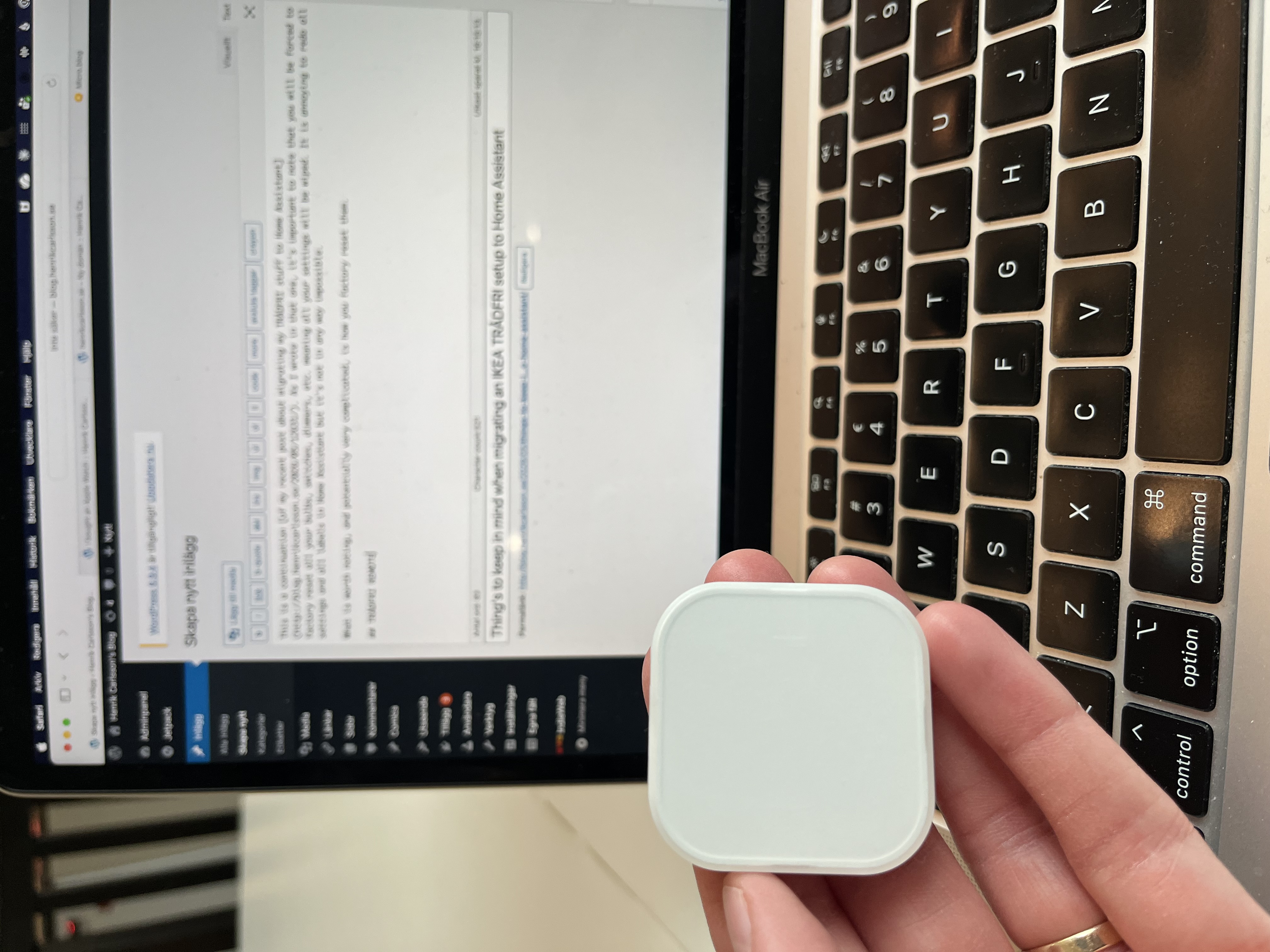
TRÅDFRI short cut button

To reset this button, unscrew the back of it and push the button next to the Bluetooth pairing symbol four times. So far I’ve connected one such button to Home Assistant and it worked without any complications.

A photo of an Ikea shortcut button

Lightbulbs

The TRÅDFRI bulbs needs to be turned off and on five times in quick succession. So far, also not a problem for me.

LED Drivers

Here is where I’m running into trouble. To reset the LED Drivers I need to press a small button on the driver itself, using for instance a paper clip. It is by no means hard to do, but a couple of my drivers are wall-mounted behind cabinets, meaning I have a stimulating afternoon ahead of me.

Replies and comments

posted this note on and tagged it with Home Assistant Smart Home

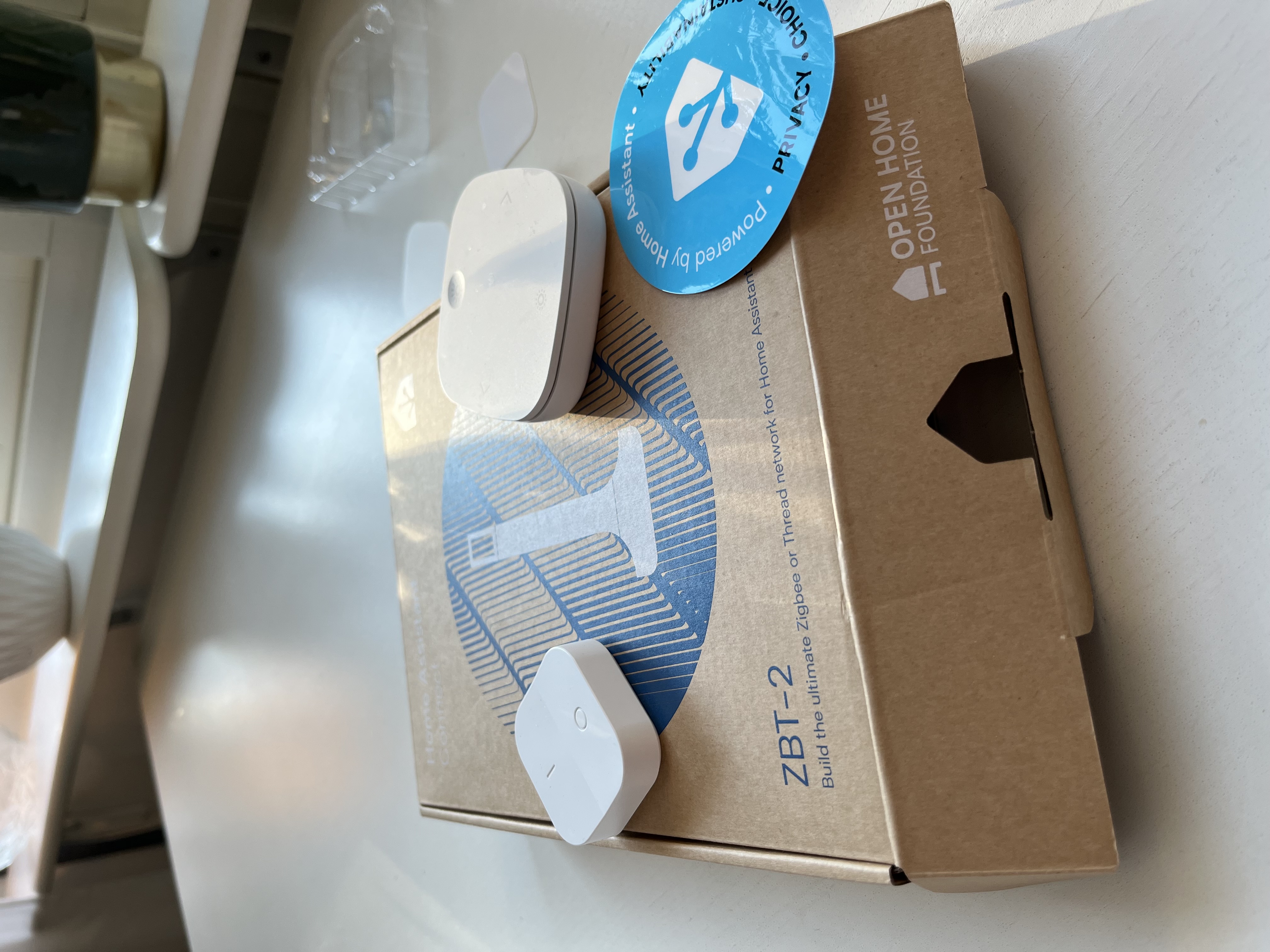
Today, almost a year after I purchased a Home Assistant Green, I’m finally committing and moving all my Ikea TRÅDFRI smart home stuff from Ikea’s own gateway directly to Home Assistant using ZBT-2 as the Zigbee antenna/gateway. So far many things work as planned, others are more involving.

The main issue to be aware of if you are going this route is that you can not transfer settings from the IKEA Smart Home app to Home Assistant. The only way, as far as I know, to make this transition is to factory reset every single TRÅDFRI gizmo in your house and pair them with Home Assistant, re-labeling, resetting, making new scenes, etc. I was more or less counting on that so I have set the whole day aside for this.

Replies and comments

posted this note on and tagged it with Home Assistant

How I added my iCloud calendar to Home Assistant via CalDAV (~/tobiesen)

This worked for me.

posted this note on and tagged it with Home Assistant Smart Home

It worked!

When I connect my phone to the charger, if it’s after 22:30 and I am at home, all lights turns off. This post on the Home Assistant forum was really helpful.

Now I’ll need to add Home Assistant to Linn’s phone as well and at her to the mix.

posted this note on and tagged it with Home Assistant Smart Home

Every now and then I try to set something up in Home Assistant but every time I do it feels so clunky. Still, I want to wrap my head around it and get it working because I really like the idea of it.

If I’ve managed to get things working the way I want, when I connect my phone to the charger tonight, all my lights will turn off. Fingers crossed!

Replies and comments

posted this note on and tagged it with DIY Home Assistant Narrating my work Smart Home

With inspiration from the excellent The Stock Pot, and in particular the full tutorial for how to Make Your Own Universal Remote (ESPHome + Home Assistant), I’m slowly starting to wrap my head around Home Assistant and ESP8266/ESP32. I’ve managed to wire up a button to my ESP8266 and I can register single, double, or long presses on said button in Home Assistant.

There is a lot more work to be done in Home Assistant itself before I can get anything proper out of this, but I’m making progress and having fun.

posted this note on and tagged it with DIY Home Assistant Narrating my work Smart Home

I’ve recently gotten myself a Home Assistant Green. Up until now I haven’t used it for anything in particular. My smart home consists almost exclusively of IKEA stuff at the moment and as long as I keep it that way the Ikea’s own app works fine. I would like to be able to add stuff from other manufacturers though, so that is why I got the Home Assistant and will slowly migrate over to using it instead.

Right now I’m reading up on some ESP32/ESP8266. I would like to make my own simple home automation hardware and this seems like the way to go. I bought a cheap ESP8266 board the other day and I think I’ve managed to install ESPHome on it. It shows up in my network logs so it seems to be connecting to wifi. I’m considering this a successful first test and I’ll keep playing with this more in the future.